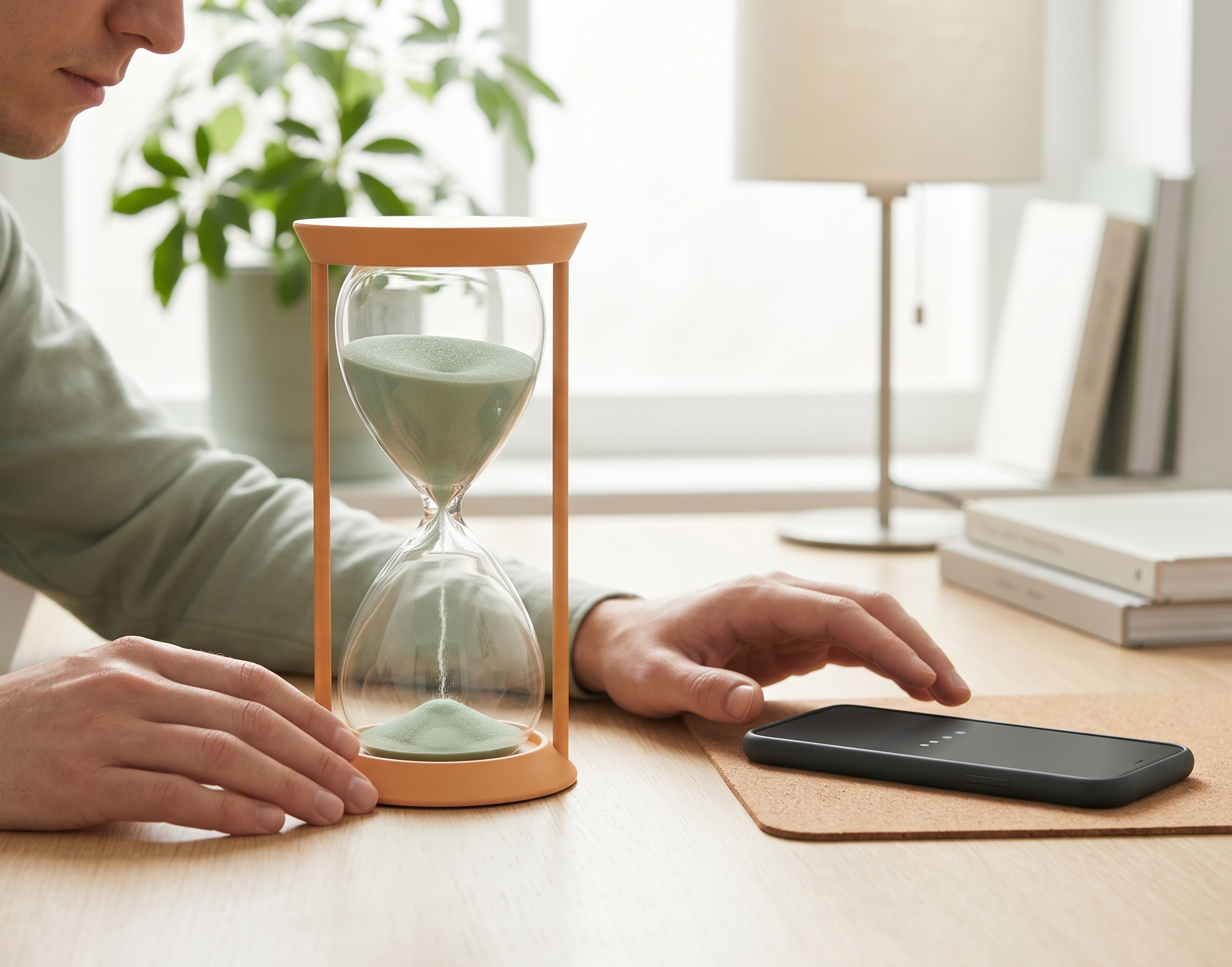
What Is Digital Friction? How Small Delays Reduce Distractions and Improve Focus
- digital-wellbeing
- focus
- chrome-extension
🚀 Key Takeaways
Pause, don't punish: Digital friction adds small intentional delays between impulse and action—enough time to reconsider without hard lockouts that trigger reactance.
Habits need speed: Modern apps optimize for instant reward; slowing the routine stage of the habit loop weakens automatic scrolling and compulsive checking.
Sustainable for knowledge work: Unlike strict blockers, friction preserves access for DMs, tutorials, and research while making distractions slightly less automatic—see how SlowDwn applies this with golden windows and calm pauses.
You open YouTube for “just a minute.”
Then 45 minutes disappear.
For developers, designers, engineers, and other knowledge workers, this pattern is painfully familiar. Modern apps are designed to eliminate friction entirely: instant loading, infinite scrolling, autoplay, and endless notifications keep attention locked in.
Most productivity tools respond with hard restrictions:
- app blockers,
- website bans,
- screen-time limits.
But strict blocking often fails because people naturally resist being controlled. For a deeper look at why, see why app blockers don't work and app blockers built to fail.
Digital friction takes a different approach.
Instead of completely blocking distractions, digital friction introduces small intentional delays that interrupt impulsive behavior before it becomes automatic. These tiny interruptions can reduce doomscrolling, improve focus, and help restore intentional technology use.
At SlowDwn, we use this principle to help professionals protect deep work without disconnecting entirely from the internet.
What Is Digital Friction?
Digital friction is the intentional addition of small inconveniences to digital experiences in order to reduce impulsive behavior.
Examples include:
- slowing down distracting websites,
- adding delays before apps open,
- throttling entertainment traffic,
- disabling infinite scroll,
- requiring extra confirmation steps.
The goal is not punishment.
The goal is creating a brief pause between impulse and action.
That pause gives your brain enough time to reconsider whether you actually want to continue.
Why Friction Works
Modern apps are optimized for speed because fast feedback strengthens habits.
The faster the reward:
- the stronger the habit loop,
- the more automatic the behavior becomes,
- the harder it is to resist.
Digital friction disrupts this cycle by slowing the reward slightly.
Even delays of a few seconds can reduce compulsive checking behaviors because they interrupt automatic engagement patterns.
The Psychology Behind Digital Habits
The Habit Loop
Behavioral psychology often describes habits as a loop:
- Cue
- Routine
- Reward
A notification acts as the cue.
Opening Instagram, Reddit, or YouTube becomes the routine.
Novelty, entertainment, or social stimulation becomes the reward.
Over time, this loop becomes automatic.
Digital friction works by interrupting the routine stage before the reward arrives.
That interruption creates a moment of awareness:
“Do I actually want to do this right now?”
For many people, that brief pause is enough to stop unconscious scrolling.
The Ghost Click
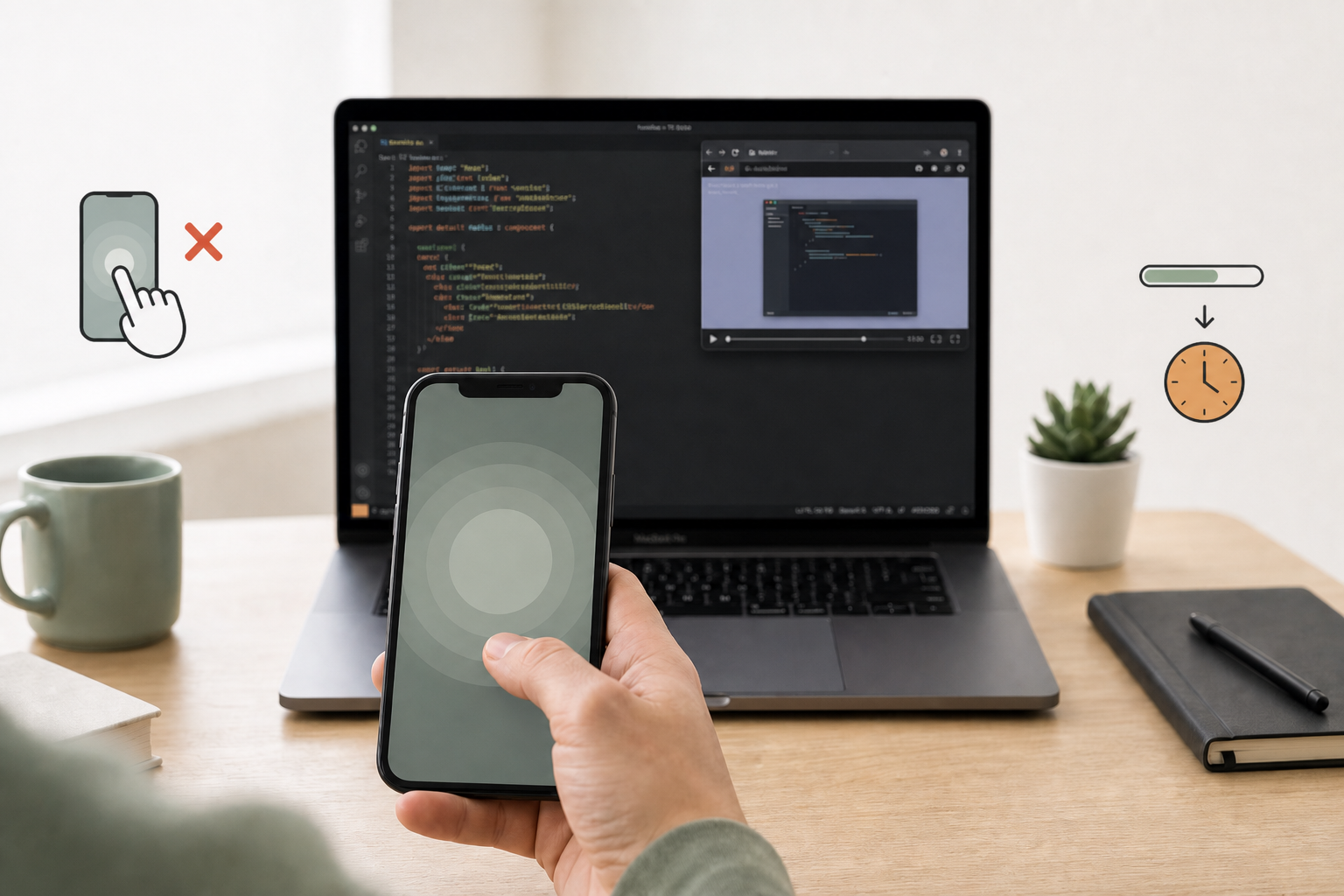
You open a new browser tab to pull up a spreadsheet, reply to a client, or look up a syntax error. Before your conscious mind catches up, you're staring at a social feed—or scrolling a thread you don't care about. You don't remember typing the URL. Your fingers just did it.
Welcome to the ghost click: a System 1 autopilot script running while seamless, zero-friction apps eliminate every pause that might let System 2 ask "Do I actually want to do this right now?"
Digital friction breaks that script by inserting a brief delay or slower load between impulse and reward—enough to shift from automatic craving to conscious choice.
Why App Blockers Often Fail
Traditional app blockers rely on restriction:
- blocked websites,
- locked apps,
- strict schedules.
While effective temporarily, these tools often trigger psychological reactance — the tendency to resist perceived control over personal freedom.
In practice, users frequently:
- disable blockers,
- create bypasses,
- move to different devices,
- or binge once restrictions end.
Website blockers can help in the short term, but hard enforcement alone rarely changes the underlying habit loop.
Digital friction avoids this problem because it preserves autonomy.
You can still access distracting apps.
They just become slightly less rewarding and less automatic.
That small difference matters.
Examples of Digital Friction
Digital friction can take many forms.
1. Intentional App Delays
Adding a 5–15 second delay before opening social media creates enough friction to interrupt compulsive checking.
2. Network Throttling
Reducing the speed of entertainment platforms makes endless scrolling less stimulating without fully disconnecting users.
3. Removing Infinite Scroll
Infinite feeds remove natural stopping points.
Adding pagination or intentional pauses restores moments for conscious decision-making.
4. Grayscale Mode
Color increases stimulation and reward sensitivity.
Grayscale reduces the emotional pull of many apps.
5. Friction Before Notifications
Batching notifications or delaying delivery reduces attention fragmentation during deep work.
First-Gen Friction vs Dynamic Friction
Not all friction tools work the same way. Hard OS blockers trigger reactance; first-generation delay apps like one sec and ScreenZen helped by adding intentional pauses instead of lockouts—but many users hit static friction fatigue: the same three-second breathing prompt every time becomes background noise you passively wait out.
Dynamic, context-aware friction avoids that trap by varying delays and integrating with your workflow rather than a uniform timer on every app open.
| Feature / Approach | Hard OS App Blockers | First-Gen Friction (one sec / ScreenZen) | Next-Gen Dynamic Friction (SlowDwn) |
|---|---|---|---|
| Core Mechanism | Strict lockouts & passcodes. | Static, uniform time delays & breathing prompts. | Golden window of normal use, then calm pause—a dimmer, not a wall. |
| Psychological Impact | Activates rebellion and bypass hunting. | Restores agency, but risks timer fatigue over time. | Varies friction by context and phase so the brain stays alert. |
| Cross-Device Sync | Often inconsistent between desktop and mobile. | Separate setups/extensions across devices. | Browser extension plus iOS/Android beta—same golden-window spirit across surfaces. |
| Long-Term Success | Low (easily bypassed when willpower fades). | Moderate (efficiency drops as habits adapt). | High (builds sustainable self-regulation). |
For why hard lockouts fail for knowledge workers, see app blockers built to fail and SlowDwn vs website blockers.
How Small Delays Improve Deep Work
High-performance knowledge work depends on uninterrupted concentration.
But attention residue — the cognitive cost of switching contexts — makes frequent distractions extremely expensive.
Even short interruptions can significantly reduce:
- coding performance,
- writing quality,
- problem-solving ability,
- creative thinking.
Digital friction helps preserve focus by making distractions slightly less accessible during moments of concentration.
This creates what we call a focus buffer:
- communication remains possible,
- emergencies still get through,
- but impulsive distractions lose momentum.
For developers and creative professionals, this balance is often more sustainable than total disconnection.
Digital Friction vs Digital Minimalism
Digital minimalism usually focuses on reducing technology usage altogether:
- deleting apps,
- using dumbphones,
- abandoning social platforms.
Digital friction is different.
It accepts that modern professionals still need:
- messaging apps,
- browsers,
- online collaboration,
- internet access.
Instead of removing technology completely, friction changes the behavioral dynamics of how technology is consumed.
The result is often more realistic for people whose careers depend on connected devices. For a related angle on minimalism without going offline, see premium dumbphone in your pocket.
How SlowDwn Uses Digital Friction
SlowDwn applies behavioral friction through a golden window of normal use, then a calm pause—a breathing overlay in the browser, or a soft pause / Screen Time-style shield on phone.
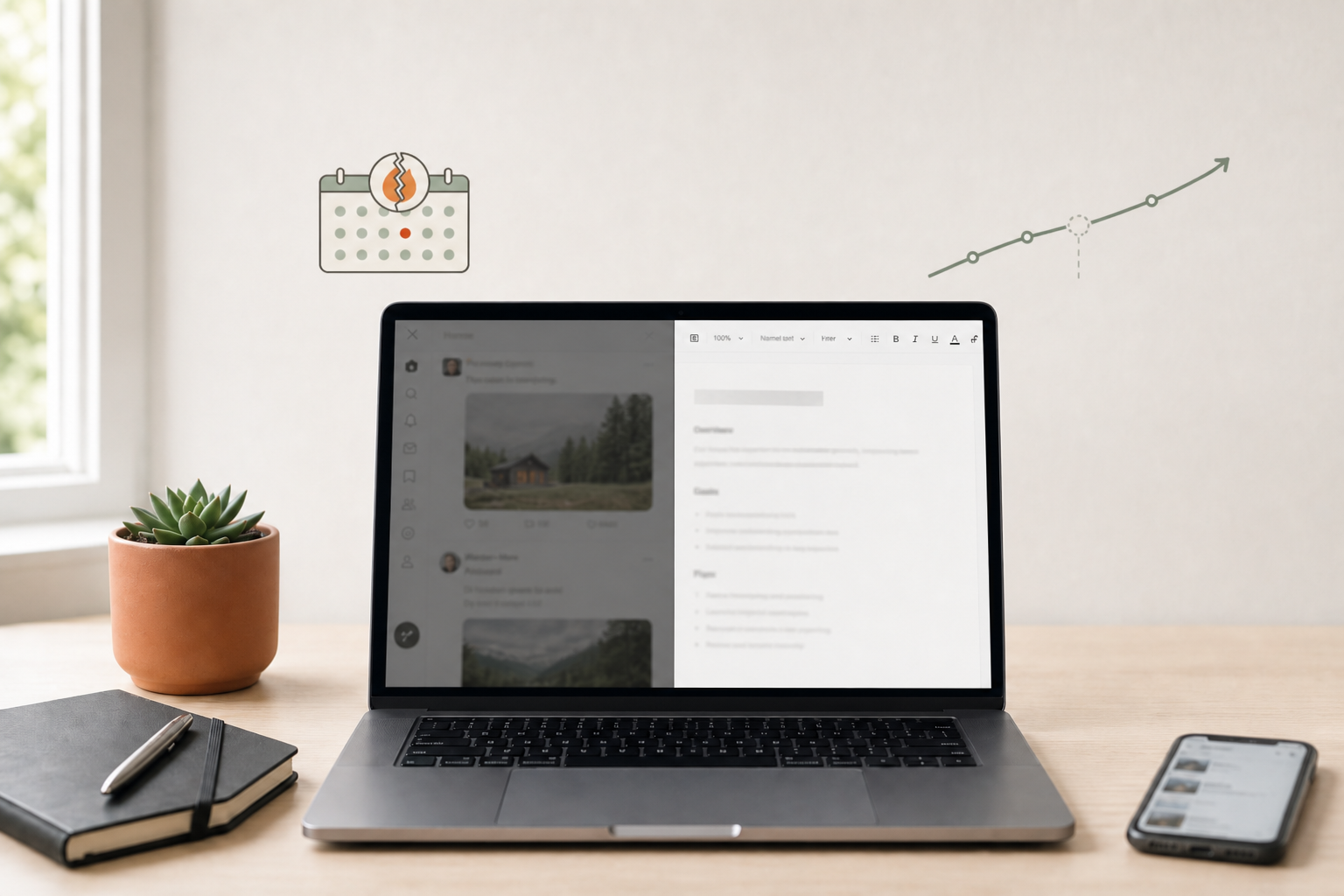
Instead of fully blocking websites or apps, SlowDwn introduces subtle “speed bumps” that reduce impulsive online behavior while preserving flexibility and autonomy—a golden window of normal use, then a calm pause, plus a four-phase unlearning path that starts with friction early rather than a timed unrestricted free pass. Miss a day and the curve holds; there are no streaks.
This approach is especially useful for:
- developers,
- designers,
- founders,
- remote workers,
- knowledge professionals.
The objective is simple:
make distractions slightly harder and focus slightly easier.
Over time, those small differences compound. Compare the model to hard lockouts on SlowDwn vs website blockers, or read how the four unlearning phases work.
Does Digital Friction Actually Work?
For many people, yes.
The effectiveness comes from changing default behavior patterns rather than relying entirely on willpower.
Willpower is inconsistent.
Environment design is scalable.
By introducing small amounts of resistance into distracting behaviors, digital friction shifts online activity from automatic to intentional.
That transition can meaningfully reduce:
- doomscrolling,
- compulsive app checking,
- context switching,
- fragmented attention.
Frequently Asked Questions
What is digital friction in simple terms?
Digital friction means adding small, intentional obstacles—like a short delay or slower loading—between you and a distracting app or site. The goal is a pause that lets you choose consciously, not a permanent ban.
Is digital friction better than app blockers?
Neither is universal. Blockers can work for short sprints; many people bypass them over time. Friction preserves access while making impulsive use less automatic, which often fits knowledge work better than all-or-nothing lockouts.
How long should a friction delay be?
Even sub-second to few-second delays can interrupt automatic habits. SlowDwn pairs a golden window then calm pause so the friction feels natural rather than punitive—and evolves across four unlearning phases.
How is digital friction different from digital minimalism?
Minimalism reduces how much technology you use. Friction changes how you use it—keeping browsers, chat, and collaboration available while making compulsive scrolling less rewarding.
Does digital friction help with doomscrolling?
Yes, for many users. A calm pause after a stretch of normal use breaks the instant-reward loop that keeps infinite scroll engaging, without requiring you to delete accounts or quit the internet.
Final Thoughts
The internet is designed to minimize friction because friction reduces engagement.
But what maximizes engagement does not necessarily maximize wellbeing, focus, or meaningful work.
Digital friction offers an alternative:
- not total restriction,
- not complete disconnection,
- but intentional resistance against compulsive digital habits.
For knowledge workers trying to reclaim focus in an always-online world, small delays may be one of the most practical productivity tools available.
Try SlowDwn today—intentional digital friction for browser and phone that preserves access while breaking the autopilot loop.