App Blockers Are Built to Fail: Why Friction Beats Blocking
- digital-wellbeing
- focus
- chrome-extension
🚀 Key Takeaways
Built for compliance, not life: Traditional app blockers optimize for short-term lockout metrics—not the messy reality of DMs, tutorials, and work tools—so bypasses and uninstalls are predictable, not personal failures.
Slot machine, not willpower: Doomscrolling runs on variable-ratio rewards engineered into feeds; you are fighting product design, not a character flaw.
The Anti-Blocker fix: A golden window of normal use, then a calm pause—friction, not hard blocks; miss a day and nothing punishes you.
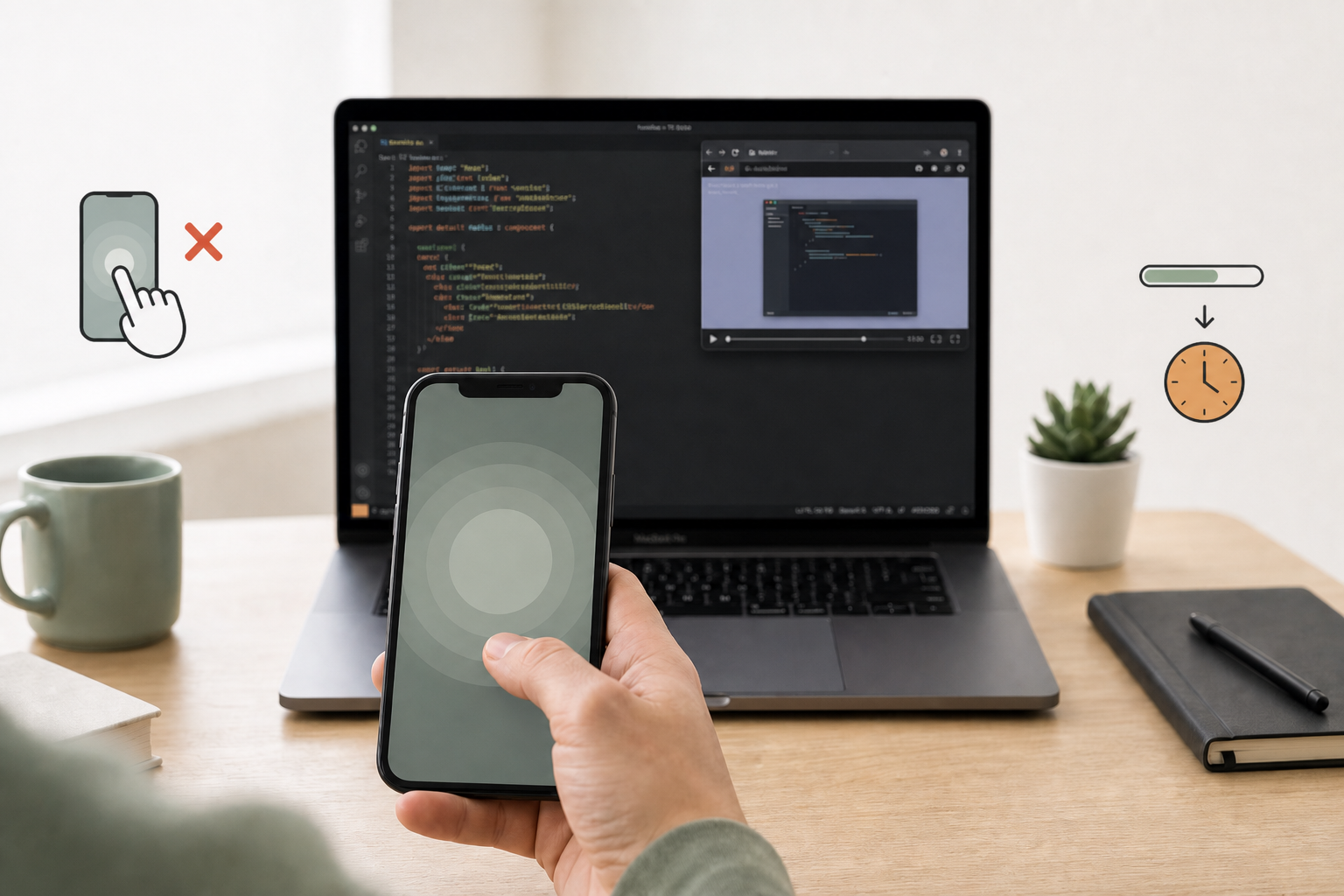
Monday morning, you mean it. You install Freedom—or crank Screen Time to the max—and lock Instagram, YouTube, and Reddit until dinner. By Wednesday you are entering an override password to check a client DM, watch a two-minute library walkthrough, or confirm a calendar link someone sent on Slack.
You are not undisciplined. App blockers are built to fail.
They are sold as moral armor against a "weak" brain. In practice they treat every visit to a platform as abuse, force you into a digital jail on the same machine you use to earn a living, and leave you fighting your own software by midweek. The rebound is not a bug in you—it is a structural mismatch between how blockers work and how modern work actually runs.
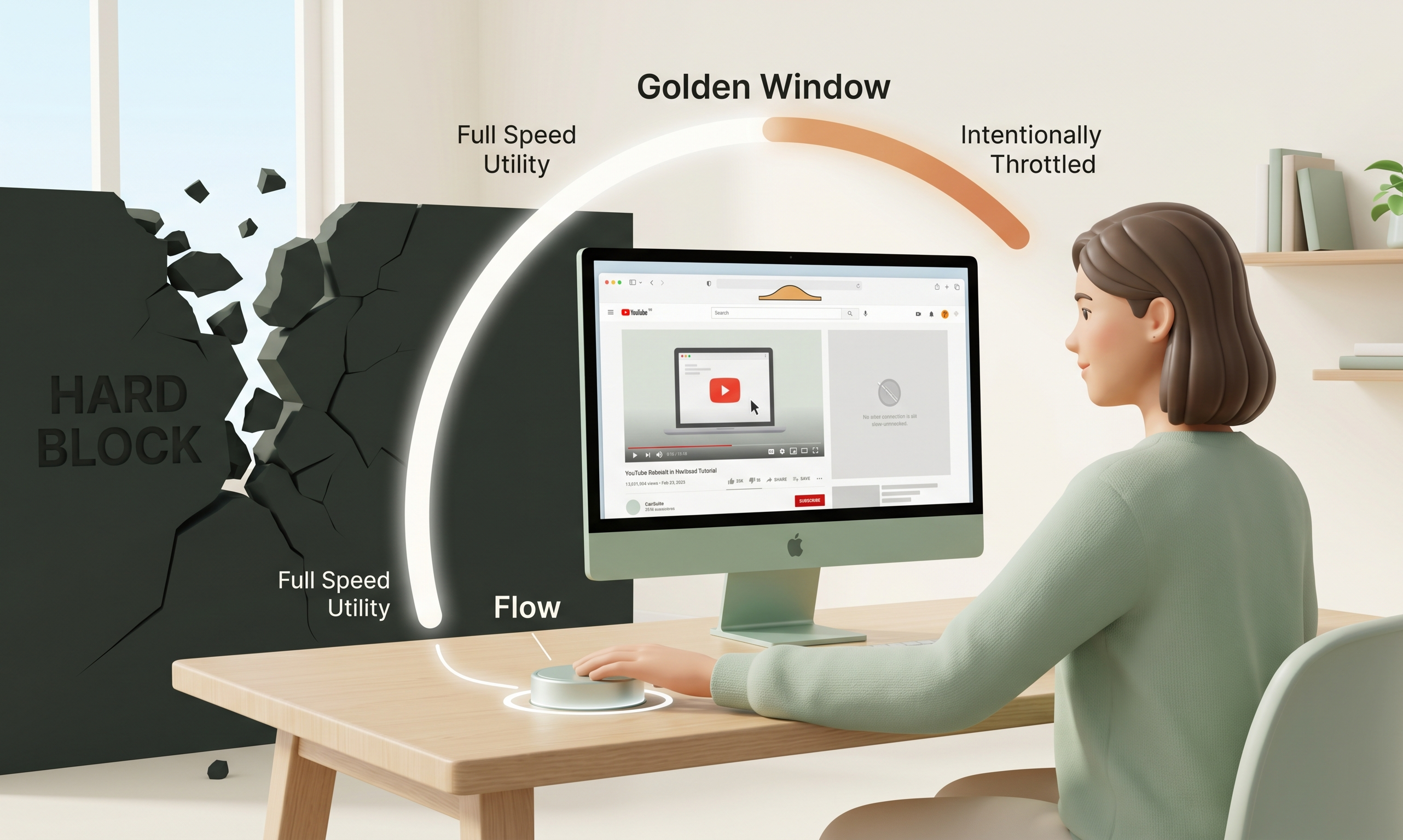
SlowDwn takes a different position: the first digital wellness approach that respects your life. Instead of locking you out, it uses digital friction—a dimmer switch: a golden window of normal use, then a calm pause. You stay in control; the slot-machine loop does not.
Why Traditional App Blockers Are Structurally Doomed
Hard blockers—Freedom, Cold Turkey, Screen Time limits, browser extensions with deny lists—share one design assumption: distraction is binary. Either you need zero access, or you are "cheating."
That assumption collapses the moment real life shows up.
Binary enforcement creates a bypass economy
When every click on Instagram is treated like a relapse, the product's real feature becomes the override: admin passwords, "pause blocking for 15 minutes," terminal workarounds, or uninstalling entirely. You spend cognitive fuel hunting escapes instead of doing deep work.
[ Hard block ] → Reactance → Bypass → Guilt → Uninstall → Repeat
Digital reactance turns walls into forbidden fruit
Psychologist Jack Brehm's psychological reactance theory (1966) explains why restriction feels like attack: when autonomy is threatened, the brain fights to restore freedom. For knowledge workers that often means digging into why app blockers don't work at a psychological level—reactance, bypass hunting, and the "forbidden fruit" effect—rather than calmly choosing focus.
Hard blocks do not teach restraint. They trigger rebellion.
Compliance is not habit change
Blockers excel at short-term compliance: you literally cannot open the site. They fail at long-term behavior change because the moment the block lifts, the feed is still a high-speed slot machine—and you have learned nothing about navigating it, only about resenting the lock.
For a deeper comparison of enforcement vs friction, see SlowDwn vs website blockers.
| What blockers optimize for | What actually breaks the loop |
|---|---|
| Zero access during a session | Conscious pause before mindless scrolling |
| Guilt and lockouts | Preserved autonomy with a speed bump |
| All-or-nothing rules | Utility-first access, addiction-second friction |
You Do Not Doomscroll Because You Lack Willpower
If willpower were the problem, the smartest people you know would not be losing an hour to a feed after lunch. The problem is variable reward design—the same mechanism that makes slot machines the most addictive form of gambling.
Variable-ratio reinforcement
In B.F. Skinner's operant-conditioning research, a variable-ratio schedule—rewards arriving after an unpredictable number of actions—produces the highest, most persistent response rates. Social feeds are variable-ratio engines: sometimes a dull post, sometimes a perfect meme, sometimes news that actually matters to your project. You keep pulling the lever because the next pull might pay off.
Your phone is a slot machine
Anthropologist Natasha Dow Schüll documents this in Addiction by Design: modern digital products borrow from casino ergonomics—near-misses, infinite scroll, autoplay, streaks, and notification badges that mimic the uncertainty of a jackpot. Instagram, YouTube, and TikTok are not neutral tools; they are intermittent-reward surfaces tuned to maximize time-on-device.
Anticipation beats satisfaction
Neuroscience popularized by researchers like Wolfram Schultz shows dopamine spikes strongest on prediction error—when reality beats or misses expectation—not on steady pleasure. Feeds train anticipation ("something good might be next") more than fulfillment. That is why closing the app rarely feels like enough; the loop is about maybe, not done.
Why "just one more scroll" feels rational in the moment
From the inside, checking a feed does not feel like a moral failure—it feels like information gathering: maybe a market shift, maybe a reply, maybe a joke that resets your mood before the next hard paragraph. Variable rewards exploit that ambiguity. The product never has to prove the next scroll is valuable; it only has to keep the possibility alive. That is the anti blocker digital wellness insight in plain terms: you are not broken; the interface is doing its job too well.
You are not weak. You are using a machine where the same desktop hosts your IDE and a product scientifically optimized to keep you scrolling. Willpower alone cannot re-architect that asymmetry.
Daniel Kahneman's System 1 vs. System 2 frame still applies in one line: doomscrolling is fast, automatic, cue-driven (System 1). You do not need a wall that triggers reactance—you need a moment of friction that lets System 2 ask, Is this still purposeful?
Why Cold Turkey Fails Real Life
Complete blocking fails for the same reason total abstinence from the internet is not a professional strategy: utility is real.
- Work communication: A client DM on Instagram, a hiring ping on LinkedIn, a thread in Slack you cannot move off-platform.
- Learning: A YouTube tutorial on an API you are shipping today—not a rabbit hole, a requirement.
- Security and logistics: 2FA prompts, banking, rideshare, transit tickets—modern life routes through apps blockers lump in with "distraction."
- One stack, one livelihood: Your browser and phone host both livelihood tools and slot-machine feeds. A hard ban on a service is often a hard ban on a task.
When Screen Time is not working for you, the issue is rarely "I didn't want it enough." It is that cold turkey blocks the legitimate use case along with the compulsive one. So you bypass—and the blocker becomes another app you fight, not a partner.
Many professionals describe a repeating cycle: install a Freedom app alternative colleagues recommend, feel relief for 48 hours, hit an urgent legitimate exception, disable the block "temporarily," and never re-enable strict mode. The tool did not fail because you are impulsive; it failed because it could not distinguish purposeful opens from compulsive ones.
Blocking fails. Pure abstinence fails. What is left is a third model: respect utility, add friction where addiction lives.
For a concrete workflow—tutorials without a hard YouTube jail—read how to watch a coding tutorial on YouTube without the rabbit hole.
The Anti-Blocker: Golden Window Plus a Calm Pause
SlowDwn is an anti-blocker in the literal sense: it does not jail your browser. It adds intentional friction so impulse and intent diverge—a golden window of normal use, then a calm pause (breathing overlay in the browser; soft pause or Screen Time-style shield on phone)—without uploading your browsing history to the cloud.
Day-one friction without lockouts
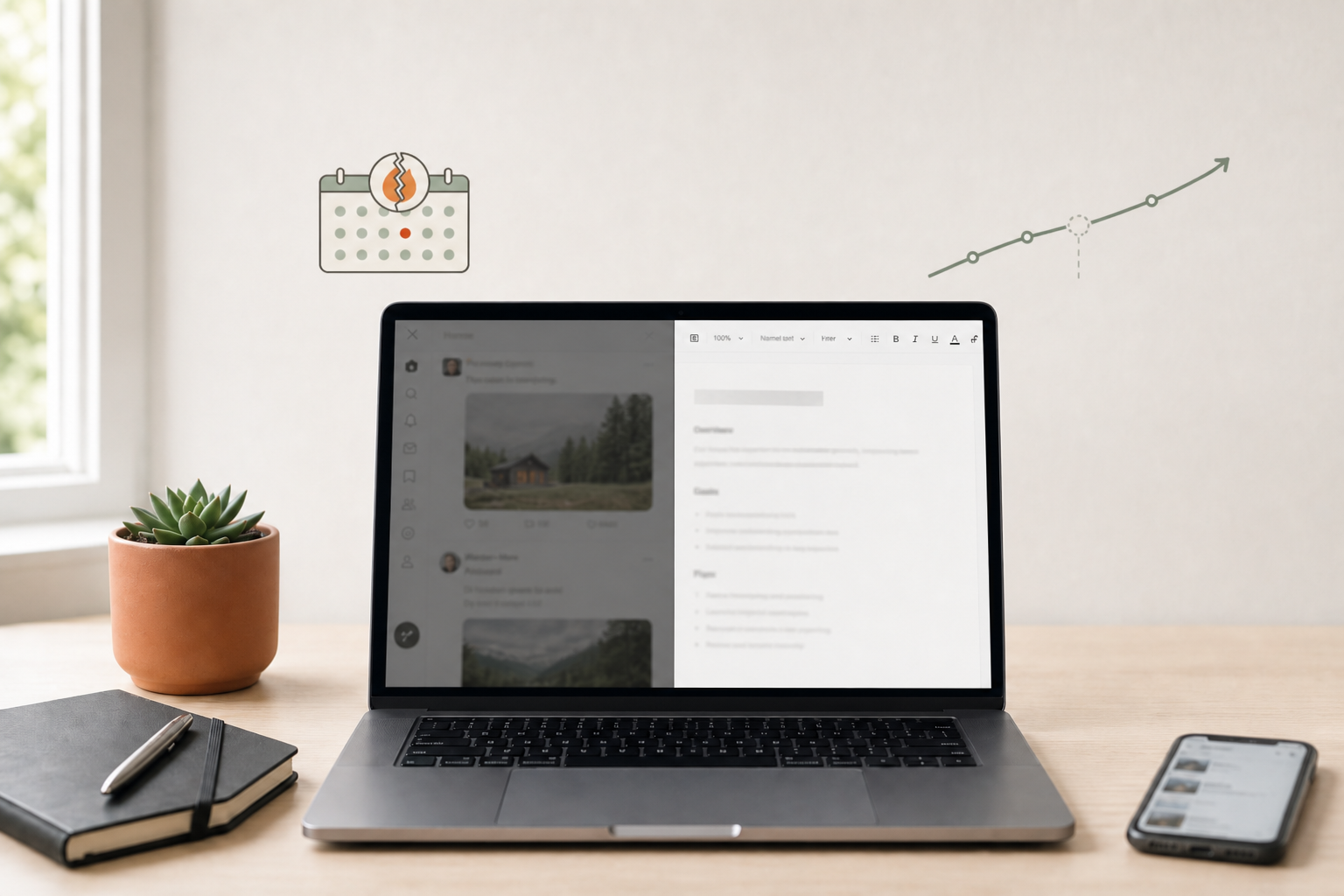
From your first sessions, SlowDwn applies a golden window of normal use, then a calm pause—enough to break scroll cadence and invite a conscious choice, but never enough to deny access. You can still choose to continue; the cost is awareness, not coercion. That is intentional friction vs. hard blocking: a dimmer switch, not a wall. Miss a day and the program holds—no streaks. There is no shrinking daily allowance you have to set yourself—the unlearning program advances automatically.
Four phases of unlearning (not four stages of punishment)
SlowDwn evolves friction as habits shift:
| Phase | Period | What happens |
|---|---|---|
| Awareness | First days | Soft friction after a short golden window so you notice the cue |
| Plateau | Weeks 1–6 | A reliable calm pause—you feel the speed bump |
| Automaticity | Weeks 7–12 | Variable-ratio timing—sometimes shorter, sometimes longer—weakening reward expectation |
| Extinction | 3+ months | Cues decouple from cravings—you engage on your terms |
You are not cycling through blocker burnout. You are training the brain that mindless scrolling comes with mild effort, while purposeful access still has a Freedom app alternative users actually keep installed: one that does not require bypass passwords to do your job.
Hard blocker vs. Anti-Blocker (SlowDwn)
| Hard blocker | Friction (SlowDwn) | |
|---|---|---|
| Access | Denied during block | Always possible; a calm pause when mindless |
| Utility tasks | Blocked or bypassed | Always reachable; friction after the golden window |
| Psychology | Reactance, guilt | System 2 pause, preserved autonomy |
| Long-term | Rebound when block ends | Habit unlearning across four phases |
| Privacy | Often cloud blocklists | On-device friction; history stays with you |
This is how you add intentional friction without declaring war on the services you still need.
Platform-specific context: if YouTube is your main leak, how to watch a coding tutorial without the rabbit hole walks through graduated friction instead of a hard block.
Stop Fighting Your Phone. Start Adding Friction.
You do not doomscroll because you lack discipline. You doomscroll because your phone—and your browser—are engineered like slot machines, while blockers pretend the fix is a digital straitjacket.
Completely blocking Instagram or YouTube does not work either. You still need to check a DM or watch a tutorial. SlowDwn is built for that reality: a golden window of normal use, then a calm pause—friction that keeps you in control without cold turkey. Free Chrome extension (1 service free / 3 with account); iOS and Android in beta.
Stop fighting your phone. Start adding friction.
Try SlowDwn today—intentional friction for browser and phone, no cold turkey required. Compare the approach on SlowDwn vs website blockers, or see how the four unlearning phases work.