one sec Alternative: When the Breathing Screen Becomes Tap-Through
- digital-wellbeing
- focus
- chrome-extension
Key Takeaways
- Open delay helps — until it doesn’t: Per-open breathing screens can become a flick you dismiss without choosing.
- Window then pause: A golden window of normal use, then friction, hits autopilot differently than interrupting every launch.
- No streak guilt: Miss a day and the program holds—friction, not hard blocks.
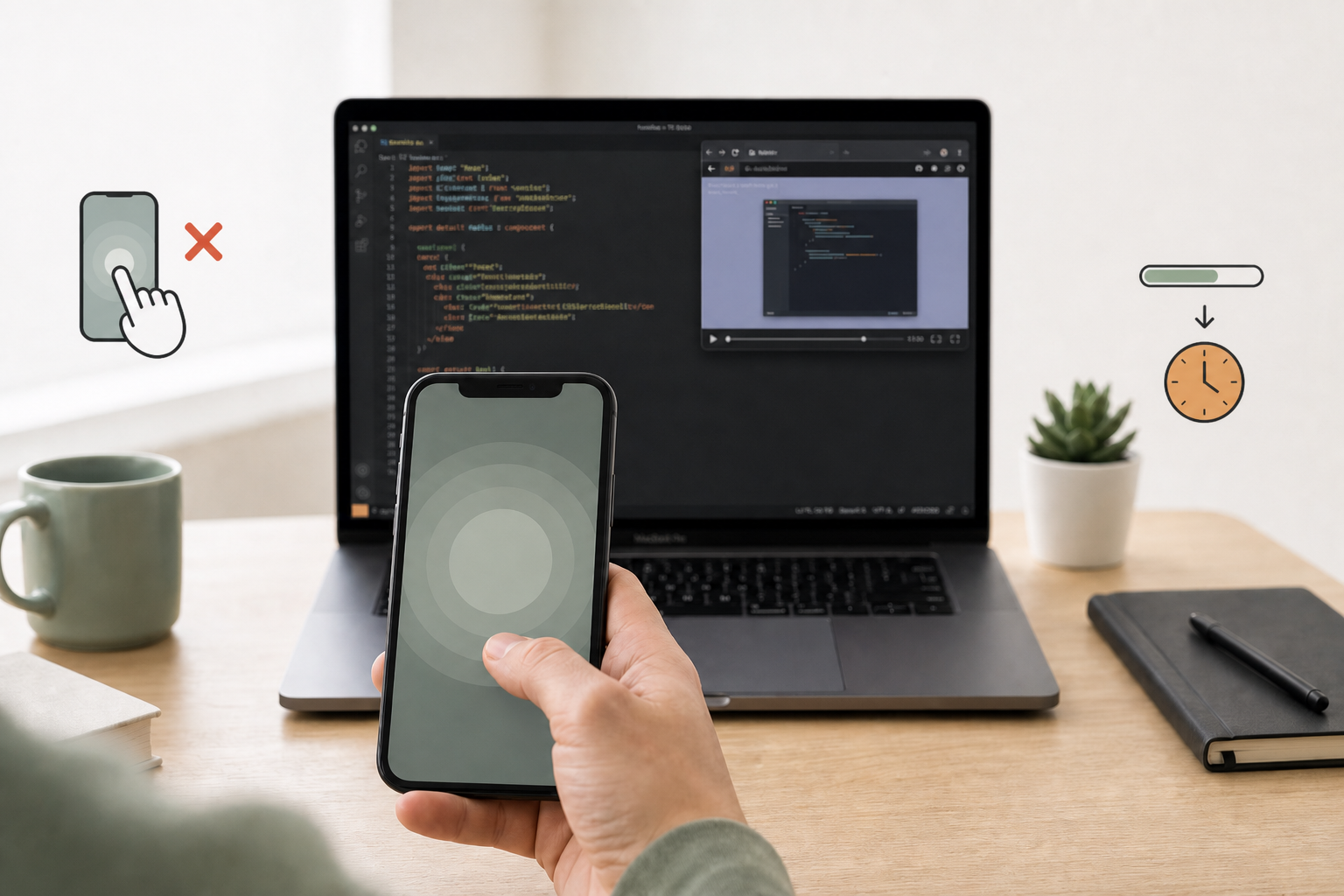
one sec popularized a simple idea: put a breath between impulse and the app. For a lot of people it works — until the pause becomes another UI chrome you tap through on the way to the feed.
That failure mode showed up clearly in our research: the intervention has to register as a choice, not as a loading spinner for the feed.
Where open-delay tools struggle
Muscle memory dismiss
If every open shows the same breath screen, executive-function lag gets “solved” by speed — dismiss first, decide never.
Whole-app treatment
Delaying Instagram or YouTube as a unit collides with legitimate use: a client channel, a twenty-minute talk, a bug-fix tutorial. Hard blockers punish the whole platform; a dimmer is kinder to real work.
Little curriculum
A pause at open is a moment. Habit fade over weeks needs a program that can hold when life intervenes — without streak punishment.
Compare side-by-side: SlowDwn vs one sec.
Graduated friction instead
SlowDwn is built as a dimmer, not a pre-roll:
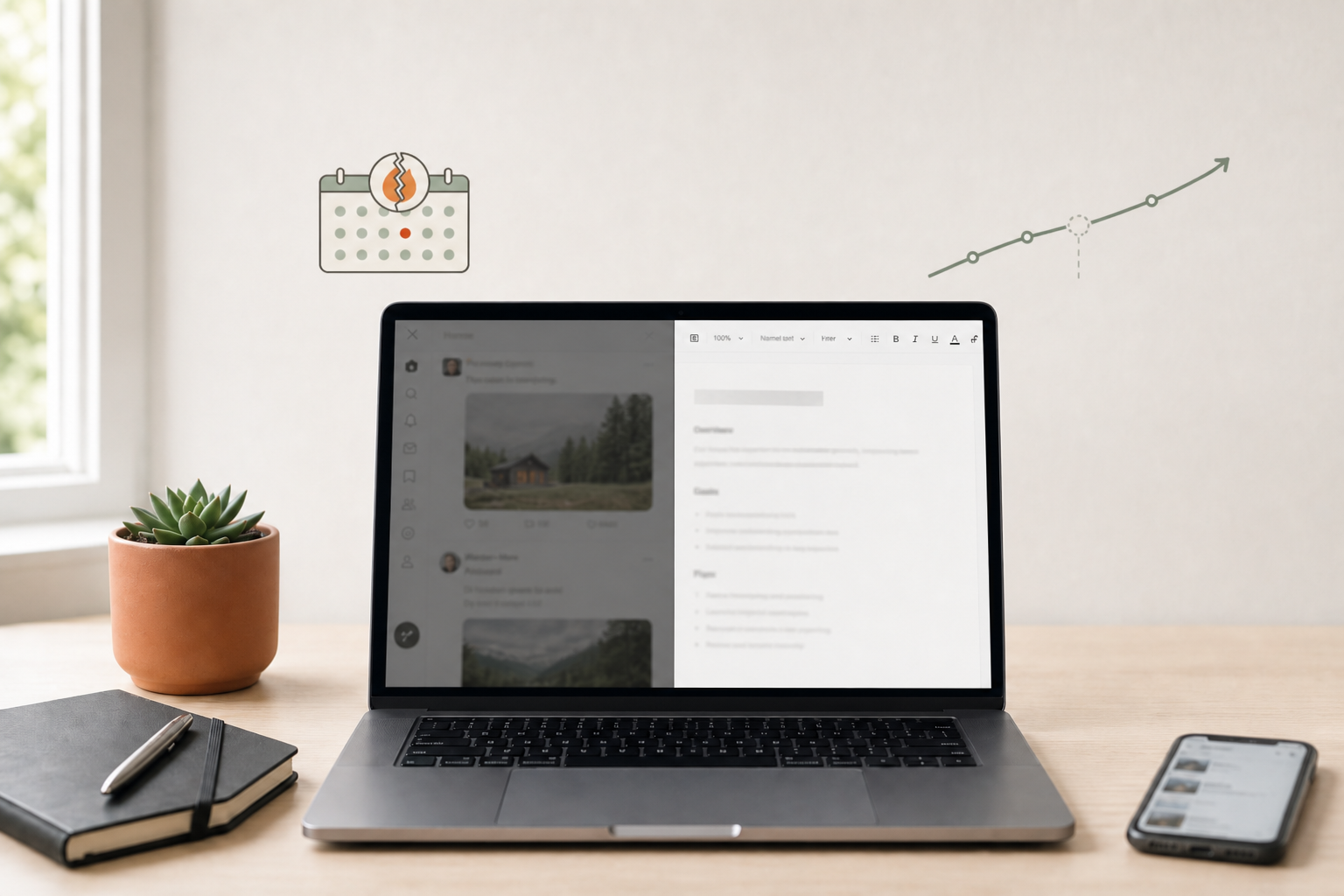
- Inside today’s golden window → normal
- After → calm pause (browser breathing overlay; mobile shield/overlay)
- Miss a day → curve holds
- Friction, not hard blocks → you can always continue; the cost is awareness
Free to try: 1 service free · 3 with account. Pro ($9/mo or $99/yr) unlocks unlimited services, extension ↔ phone sync, and full ~90-day depth.