Screen Time’s Ignore Limit Problem — and a Friction Alternative
- digital-wellbeing
- focus
- screen-time
Key Takeaways
- Ignore Limit wins: Apple’s Screen Time is free — and for many professionals the override is muscle memory.
- Daily walls ≠ habit change: A cap that resets tomorrow does not fade the feed; it just invents a new guilt notification.
- Friction alternative: A golden window of normal use, then a calm pause, holds progress when you miss a day — no streaks.
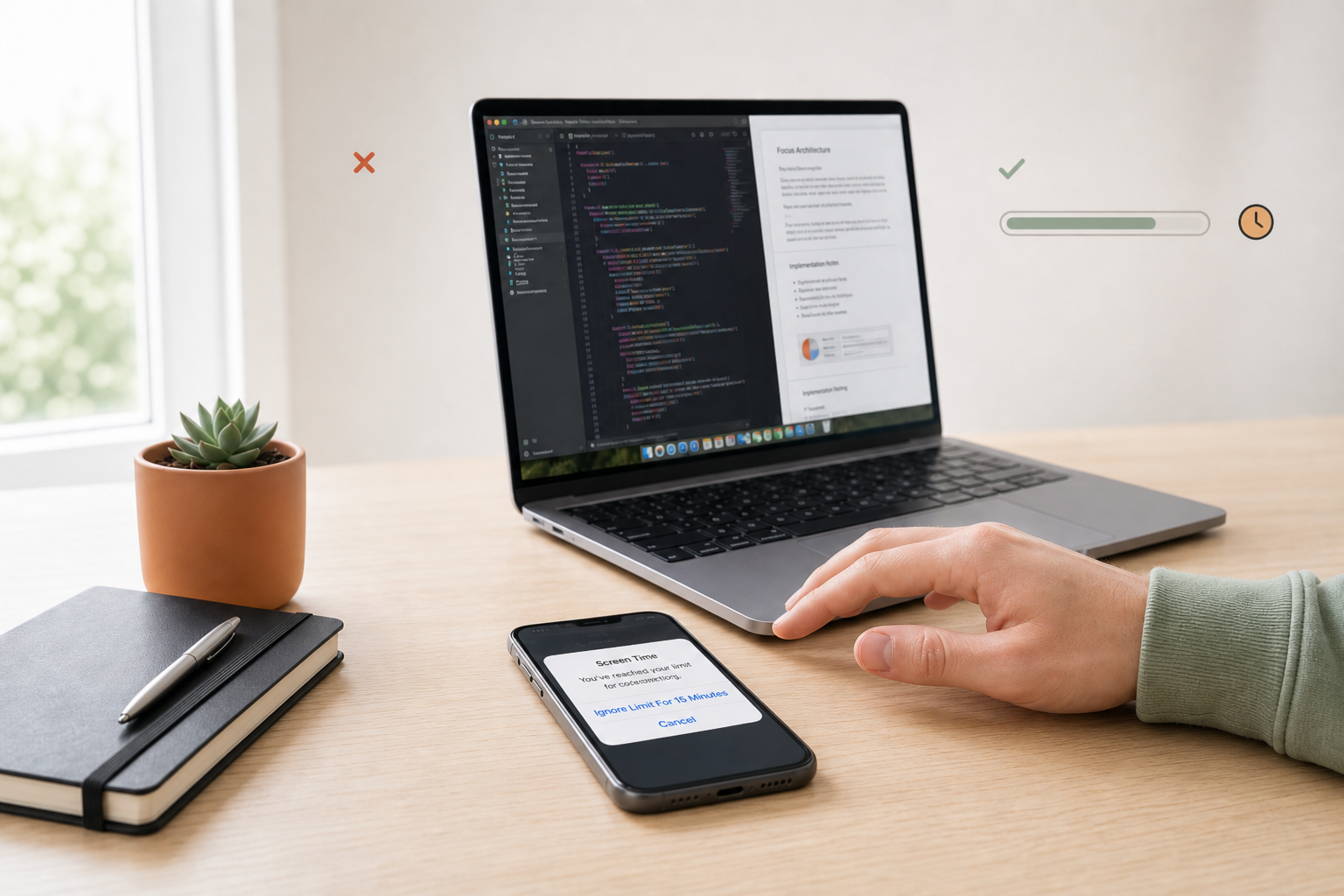
You already know the pattern. Screen Time hits the limit. The banner appears. You tap Ignore Limit — sometimes “for 15 minutes,” sometimes for the rest of the day — and the feed is back.
That is not a character flaw. It is a product design that optimizes for a daily wall, then offers a one-tap exit. Knowledge workers who need Slack, docs, and the occasional YouTube tutorial live inside that contradiction every week.
Why Screen Time fails the people who need it most
The limit is binary; work is not
Screen Time treats an app as either allowed or over. Real days mix research with doomscroll. When the tool cannot tell purposeful use from autopilot, the honest move feels like “ignore.”
Guilt without skill
“You’ve exceeded your limit” arrives after you already know. For many people that notification adds shame without teaching a different next action. Shame is a poor habit coach.
Tomorrow’s reset
A hard daily cap that resets at midnight is not a graduated exit. The habit loop is still intact; you just postponed it.
For a deeper look at why hard blockers fail structurally, see App blockers are built to fail and SlowDwn vs Screen Time.
What “intentional friction” does differently
SlowDwn’s model (free Chrome extension today; iOS & Android in beta):
- Golden window — normal use for a stretch
- Calm pause — a speed bump so intention can catch impulse
- Program clock that holds — miss a day and nothing punishes you
- Friction, not hard blocks — you can always continue; the cost is awareness
Freemium: 1 service free · 3 with account. Pro is $9/mo or $99/yr for unlimited services, sync, and full program depth.
Try it
- Demo: /try
- Compare: /vs-screen-time
- Privacy: we don’t see what you browse — shaping stays on your device (Privacy)