Do App Blockers Work? Why Hard Blocks Fail—and What Works Instead
- digital-wellbeing
- focus
- chrome-extension
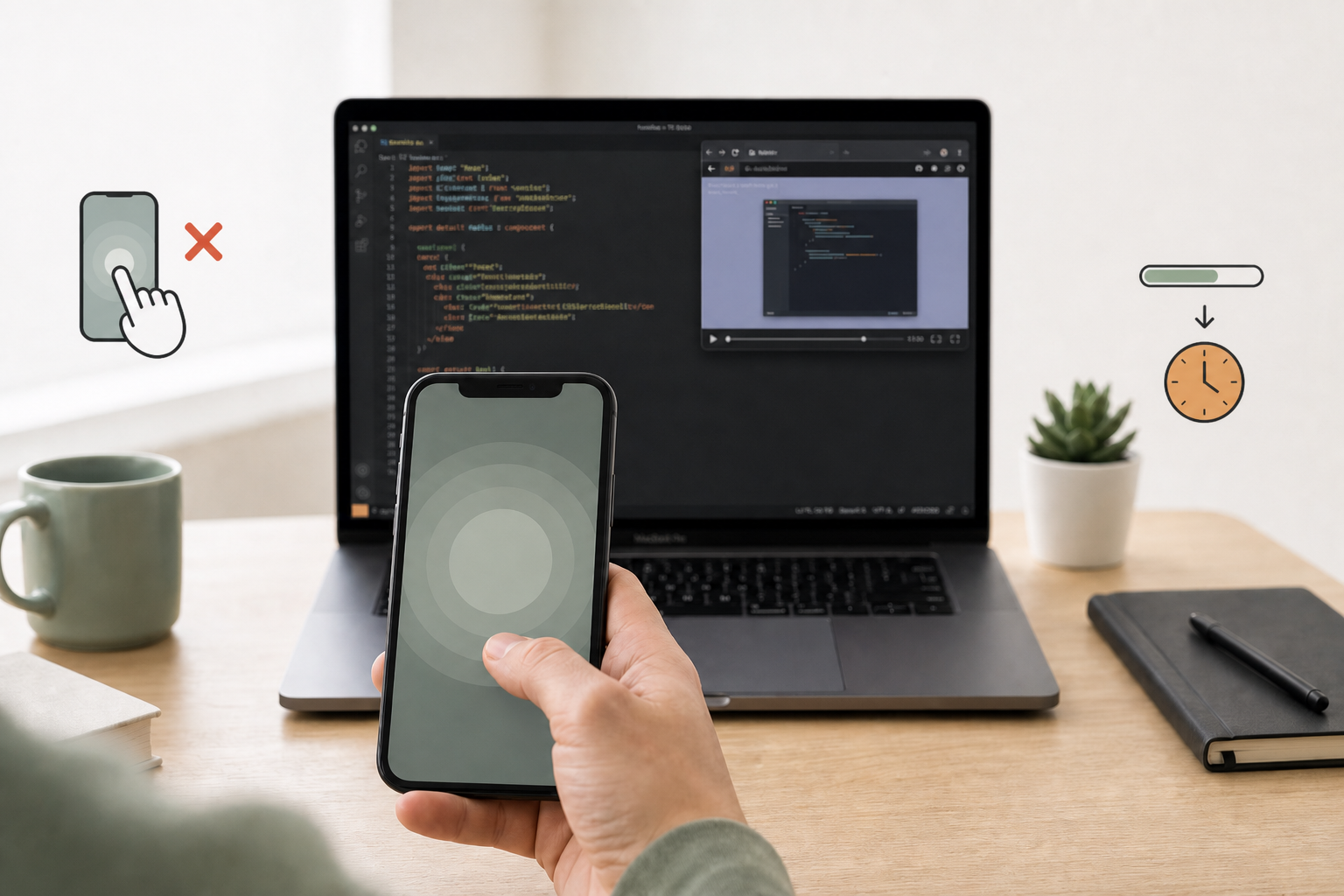
Every knowledge worker knows the routine. You have a critical deadline, a blank IDE, or a complex strategic brief to write. Yet, within ten minutes, your fingers autonomously execute the keyboard shortcuts for Twitter, LinkedIn, or your favorite news site.
To solve this chronic distraction, you install a strict website blocker. You lock yourself out for four hours. But within thirty minutes, a subtle anxiety creeps in. You need to check a specific DM for a client project, or you simply feel trapped by your own tools. Suddenly, you find yourself disabling the extension, switching browsers, or hunting advanced settings to bypass your own digital jail.
If this sounds familiar, you aren’t lacking willpower. The truth is much simpler: this is why app blockers don't work.
To understand how to build deep focus without fighting your own tools, we have to look at the intersection of behavioral economics and human psychology.
The Root Cause: Digital Reactance Theory
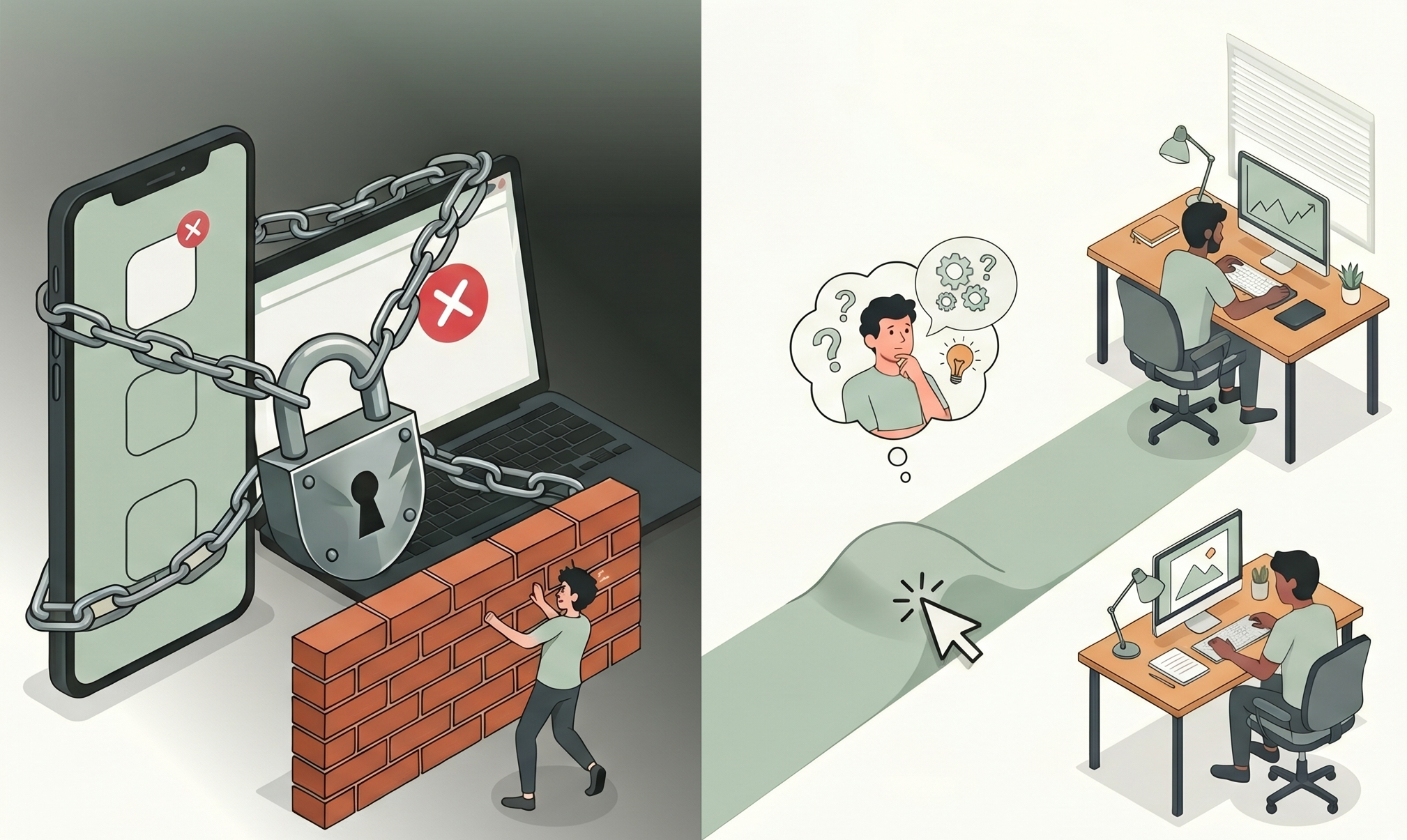
When you completely block an application, your brain doesn’t register a helpful productivity boundary; it registers an immediate threat to its autonomy.
In behavioral psychology, this is known as Psychological Reactance Theory (originally formulated by Jack Brehm). The premise is straightforward: when an individual's freedom is restricted or threatened, they experience an intense emotional state of resistance—digital reactance—which motivates them to restore that lost freedom at all costs.
[Hard Block] ──> Triggers Digital Reactance ──> Cognitive Drain & Bypass Hunting
Hard blocks turn a mildly distracting app into a forbidden fruit. Consequently, you end up wasting more cognitive energy fighting your software restrictions than actually executing your deep work.
Behavioral Friction vs. Hard Blocking: Moving the Speed Bump
To bypass digital reactance entirely, we must look at how the brain processes decisions. In his pioneering research, psychologist Daniel Kahneman mapped human thought into two distinct modalities: System 1 (fast, automatic, and subconscious) and System 2 (slow, deliberate, and logical).
Most digital distractions are entirely System 1 behaviors. The "click-upon-cue" reflex requires zero conscious thought. Your brain spots a brief pause in your coding or writing workflow, and before you consciously realize it, a new browser tab is open.
To break this subconscious loop, you don't need an unyielding wall. You need a intentional speed bump. This is the core difference between behavioral friction vs. hard blocking.
| Approach | Psychological Mechanism | Neurological Impact | Long-Term Outcome |
|---|---|---|---|
| Hard Blocking | Restriction & Denial | Triggers Digital Reactance | Burnout, frustration, and software uninstallation. |
| Behavioral Friction | Intentional friction / calm pause | Activates System 2 Reflection | Restored autonomy and decoupled dopamine loops. |
By introducing active friction—a golden window of normal use, then a calm pause—we disrupt the seamless dopamine loop without triggering the brain's defense mechanisms.
- The Seamless Web: Click → Immediate Loading → Dopamine Hit (System 1 reinforced)
- The Active Friction Approach: Click → Golden window → Calm pause → Consciousness Awakens (System 2 activated)
How to Build Deep Focus with SlowDwn
When a calm pause arrives after a stretch of normal use, your muscle memory is interrupted, forcing your brain to check in. In that tiny window of time, your higher cognitive faculties catch up with your automated physical habits.
This micro-interstitial pause allows you to ask a conscious question:
"Do I actually want to read this thread right now, or am I just avoiding a difficult architecture design document?"
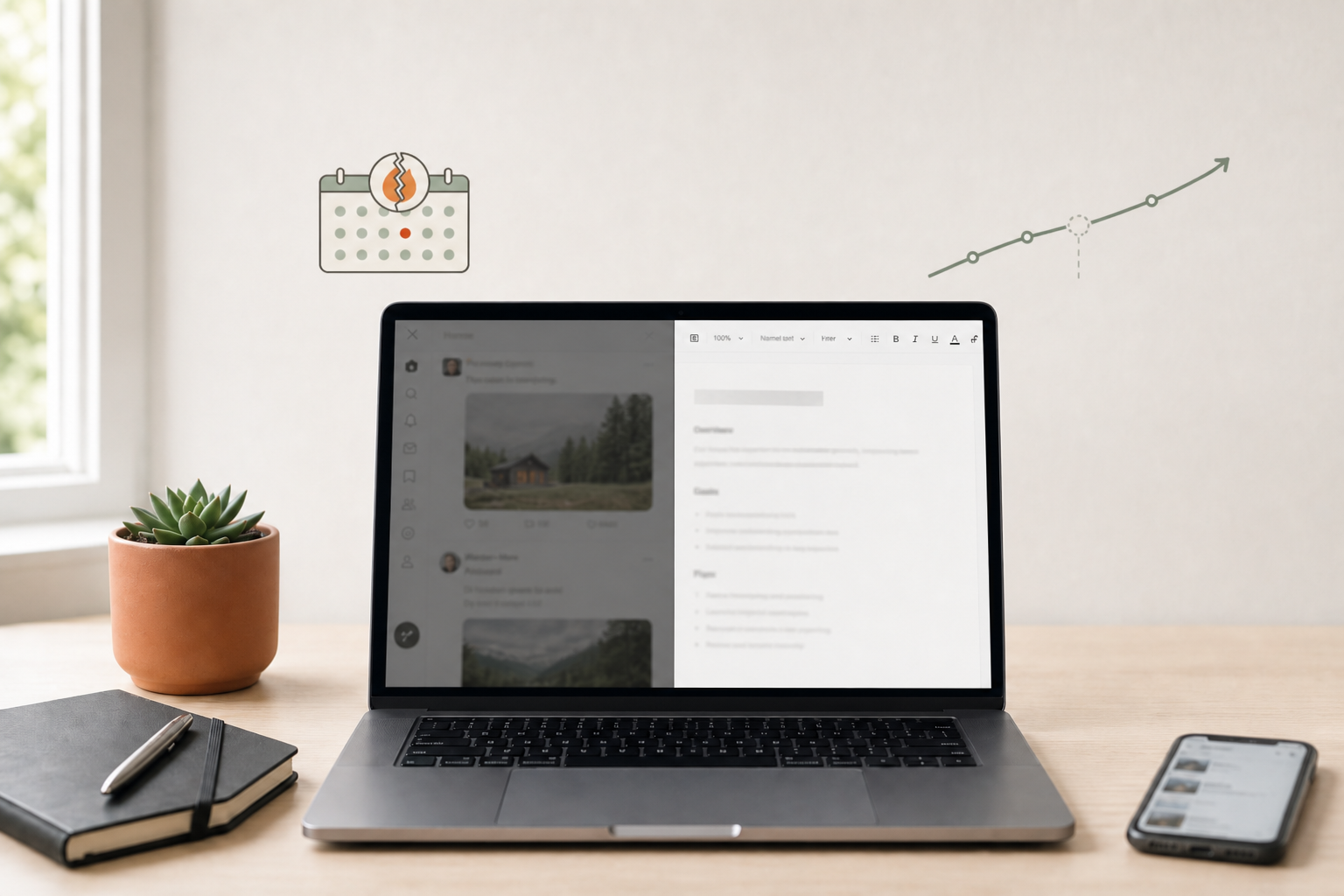
This is where SlowDwn operates. SlowDwn isn't a rigid utility designed to police your behavior; it is a scientific behavioral intervention—golden windows then calm pauses (breathing overlay or Screen Time-style shield) on browser and phone. Miss a day and the program holds; there are no streaks.
If you truly need to access a site for a legitimate, functional work purpose, you still can. Your absolute autonomy remains entirely intact, meaning your brain never triggers digital reactance. However, because the experience is no longer entirely friction-free, the subconscious compulsion is systematically devalued.
Over time, your brain rewires its associations, linking the distracting platform with mild effort rather than effortless escapism. By choosing behavioral friction over digital jails, you don't just force compliance—you train your mind to build deep focus naturally.